Bring a book.
Import an EPUB or a text document, or find a free edition in Project Gutenberg or Unglue.it. Your library works on Mac as well as iPhone and iPad.
iPhone · iPad · Mac
A book is a good place to spend a quiet moment. fewlines turns yours into small reading cards, ready whenever you have room for another passage.
App Store release in preparation. Requires iOS / iPadOS 17 or later, or macOS 14 or later.
Import an EPUB or a text document, or find a free edition in Project Gutenberg or Unglue.it. Your library works on Mac as well as iPhone and iPad.
Focus on one card against a quiet background. Turn a page, adjust the text size, or listen with your device’s system voices.
Mark a passage with the gold star. Your saved sentences stay in Favorites, even if you later remove the book.
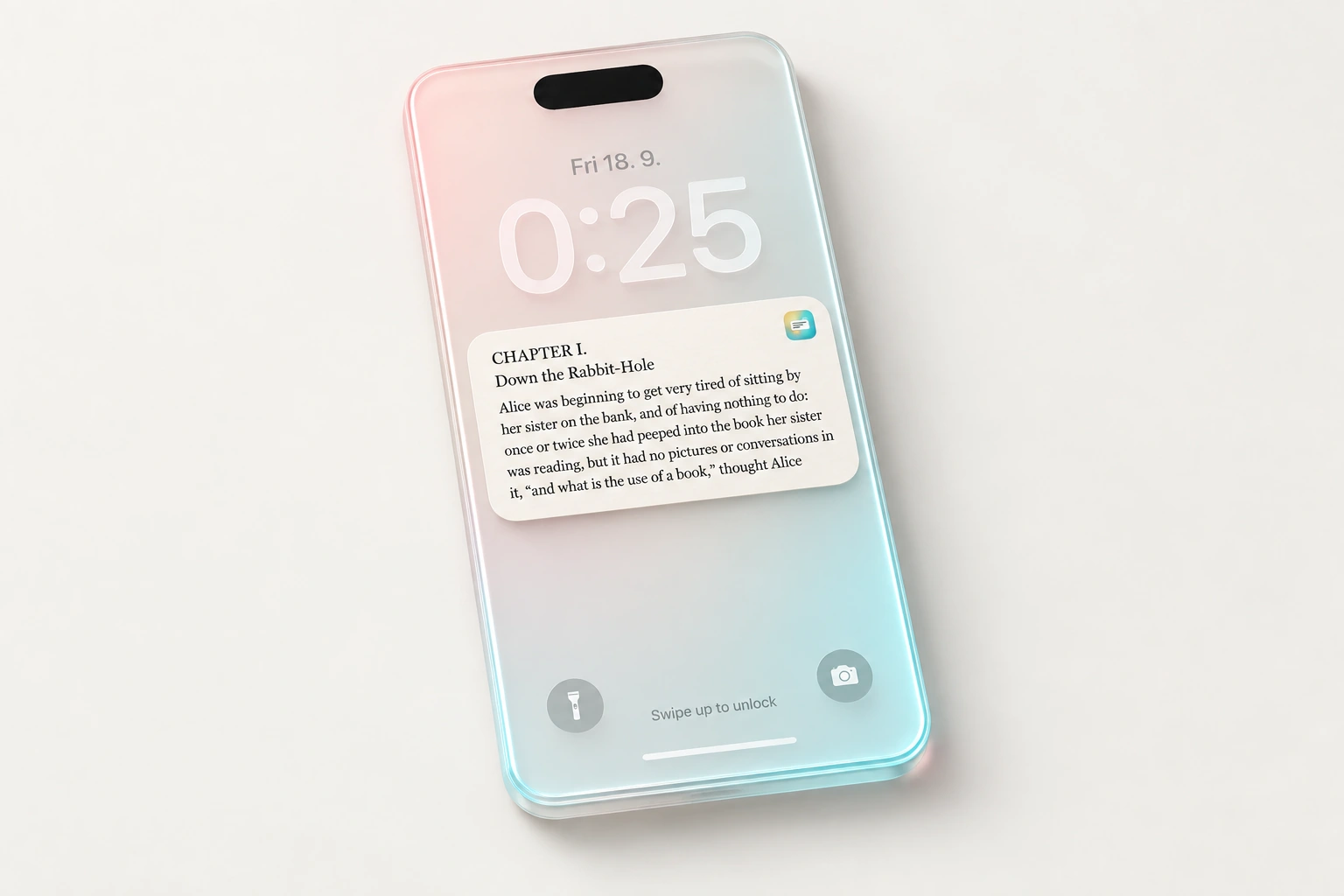
On iPhone, add a small Lock Screen widget or use a reading session’s larger Live Activity card. On Mac, keep a floating card nearby or add the interactive desktop widget.
Live Activities are temporary sessions, not permanent widgets. The system controls their duration and refresh timing.
Optional iCloud sync carries your books, reading position, saved passages and card settings between devices using the same Apple Account.
Background delivery depends on your system and connection. Open fewlines to catch up when a widget is behind. Turn sync off to keep reading locally.